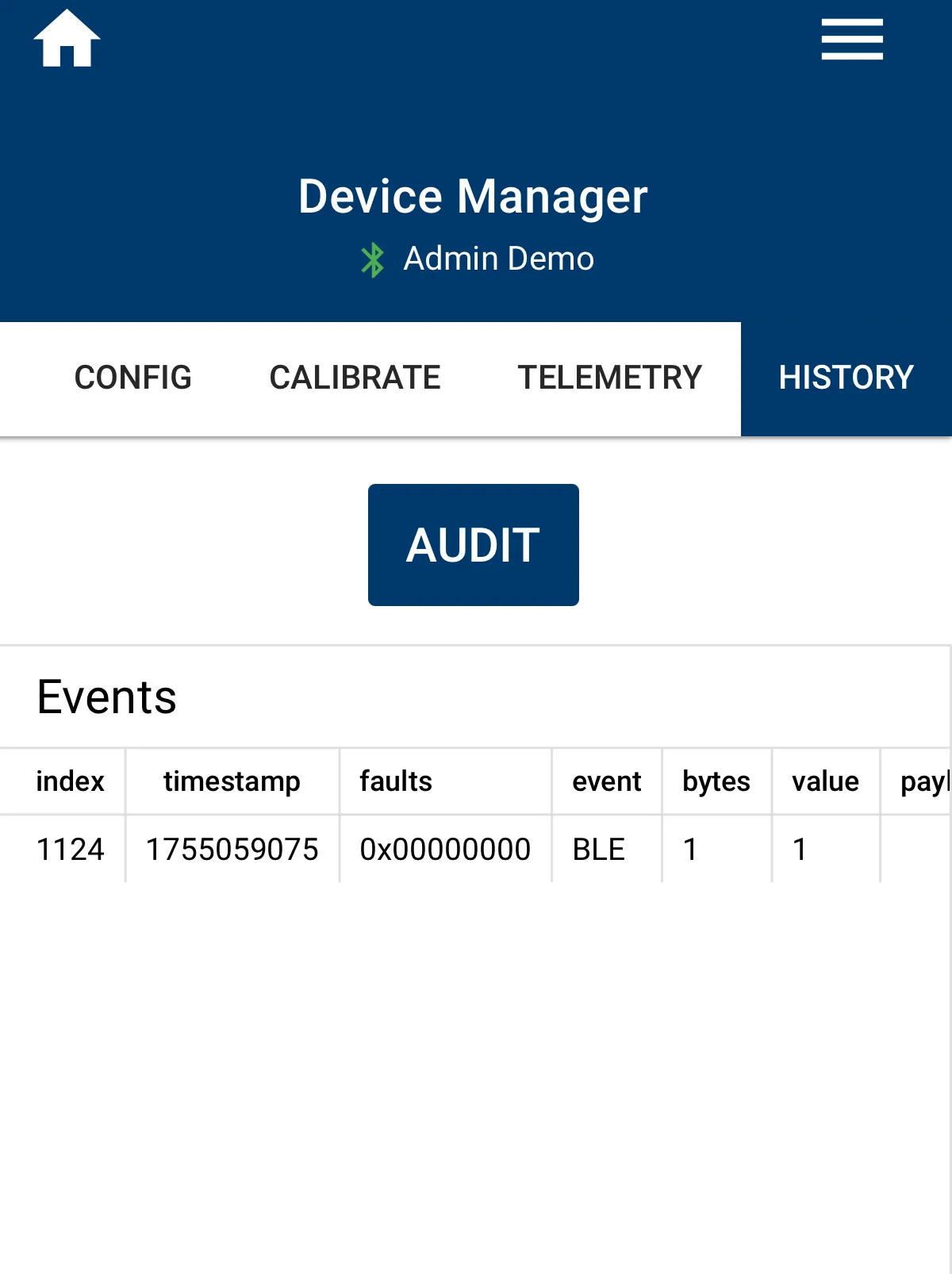
Device Audit
Warning: This is an experimental feature.
Our team can review the device audit data to evaluate and confirm previous transactions from your system.
Device Audit
From time to time it may be beneficial to audit the hardware device.
When a Fuellox history audit is required, follow this procedure.
Audit Steps
-
Confirm you have Device Manager access in the Fuellox App.
-
Verify with the help desk your Device History Audit feature is active for the first use.
-
Be in range of the device and do not remove the phone till the process completes.
-
Go to Device Manager and connect to your Fuellox unit
-
Go the History Tab
-
Click the Audit button. You Device history will be collected by the app and stored on the Fuellox cloud.