
Web Dashboard Setup
Now that your hardware is installed, it’s time to configure your system through the web dashboard.
Access the Web Dashboard
Login to the Fuellox Web App.

Create Equipment
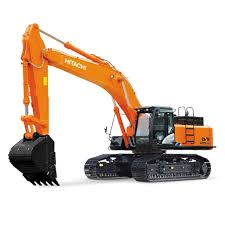
Add your vehicles, machinery, or other equipment that will be refueled:
Create Compartments
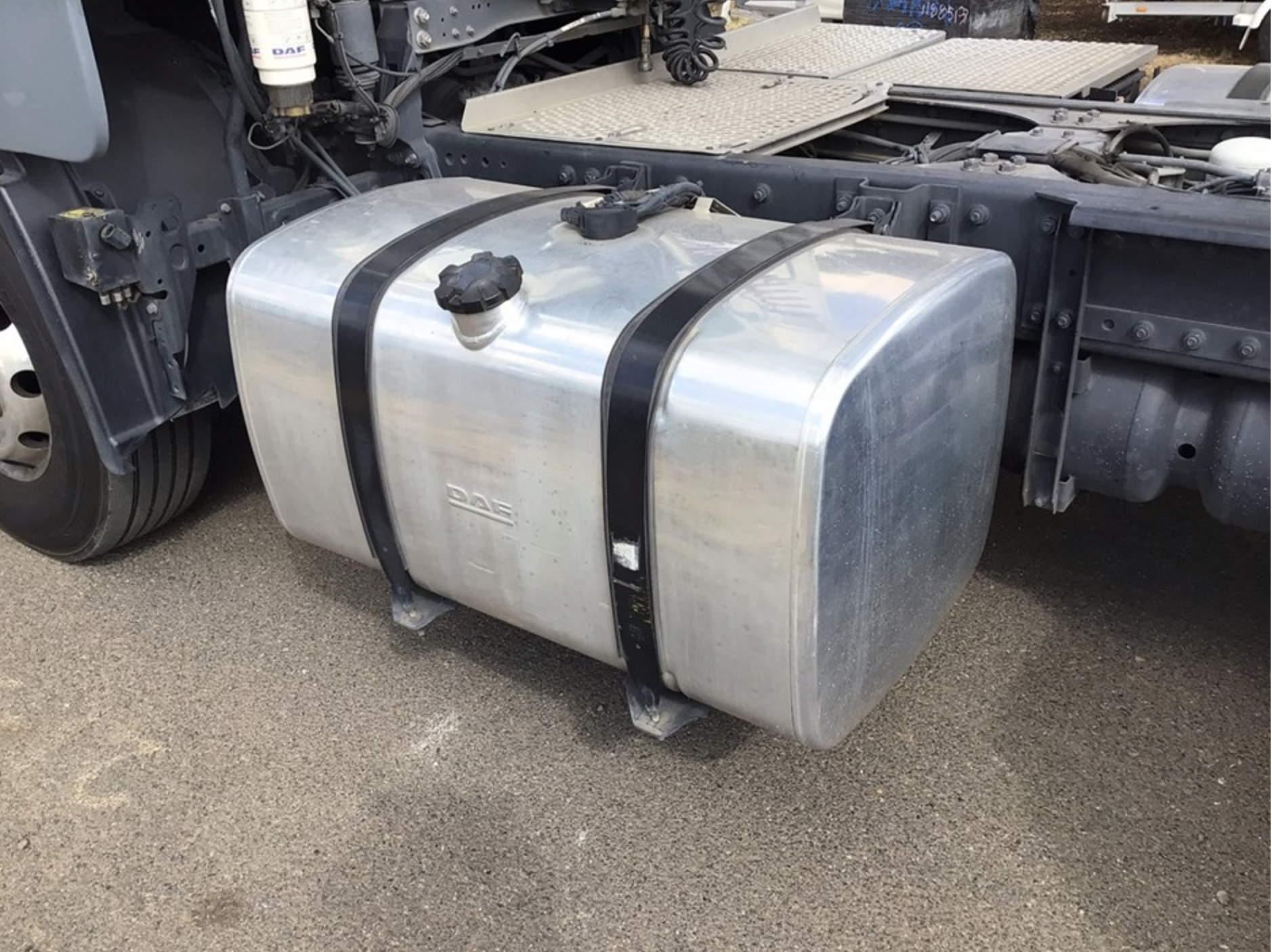
Set up fuel compartments for your equipment:
Configure Tanks
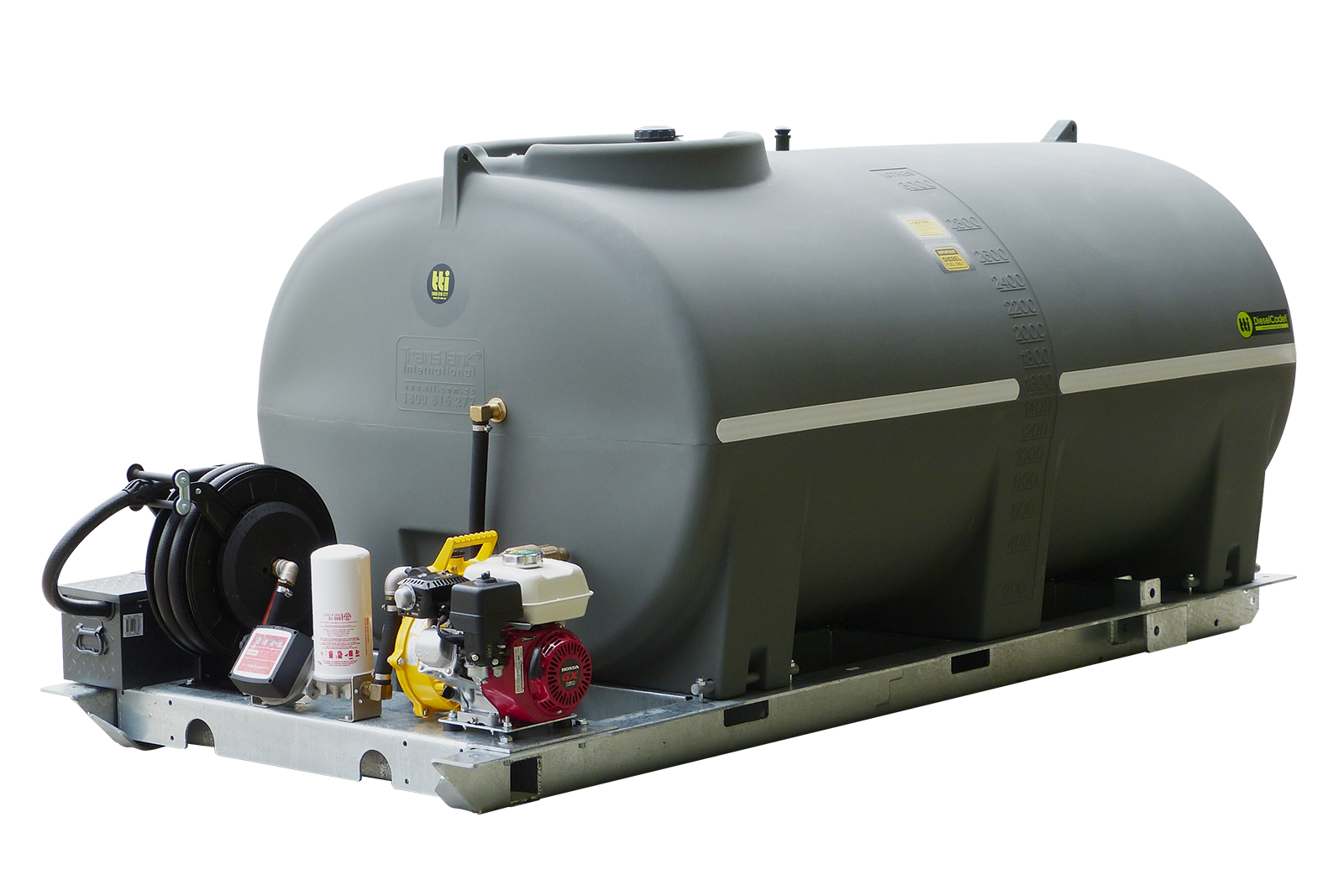
Set up your fuel storage tanks:
Set Up Level Monitoring
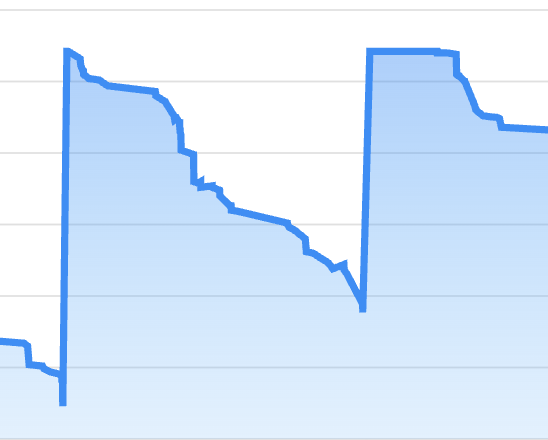
Configure tank level monitoring (if you have level gauges):
Configure Fuellox Devices
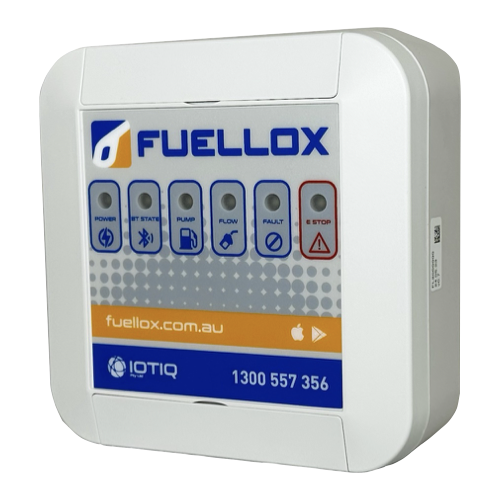
Verify and configure your fuellox hardware devices:
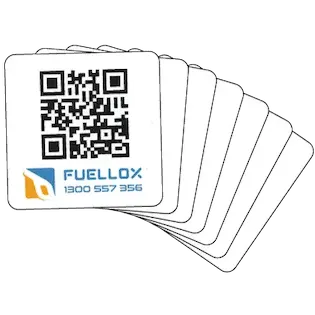
Assign QR Codes to Equipment
Link QR codes to your equipment compartments:
Optional Configuration
Set up advanced features as needed:
Enable Odometer Requirements Require odometer entry before dispensing fuel for specific equipment
Configure Meters Select and configure pulse meters for accurate fuel measurement
Meter Calibration Calibrate your meters for precise fuel dispensing
System Configuration Access advanced system settings and customization options