
Start Dispense
A dispensing can happen after the necessary details have been added in, like equipment, odometer/hours, project, etc.
How to Start Dispensing with Your Fuellox Device
-
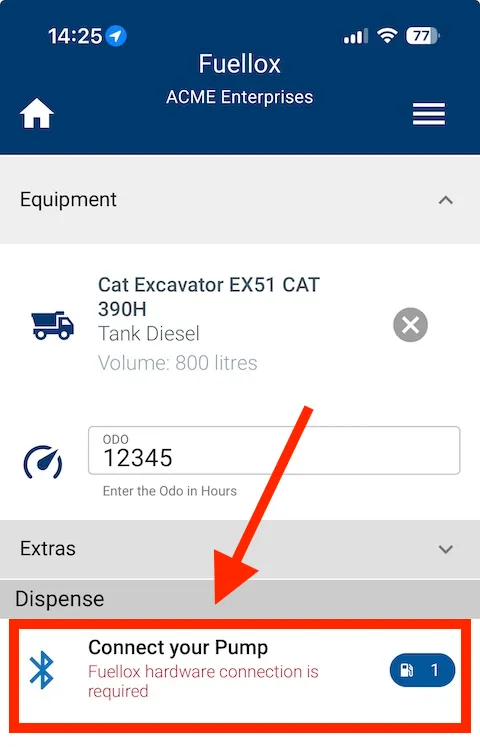
Connect to Pump
Often the pump auto-selects, but if it hasn’t, click on the “Connect to pump” button.
-
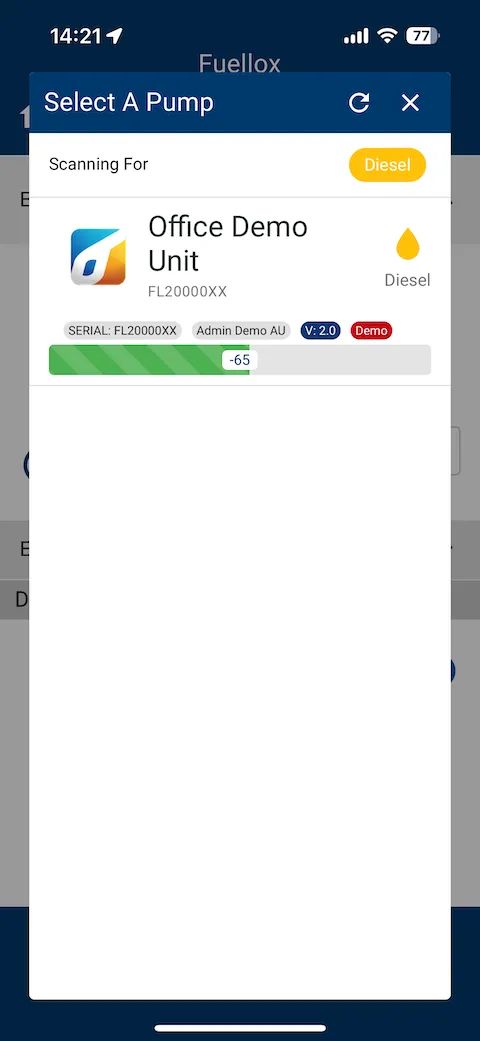
Select Your Pump Hardware
Select the pump you want to dispense from.
-
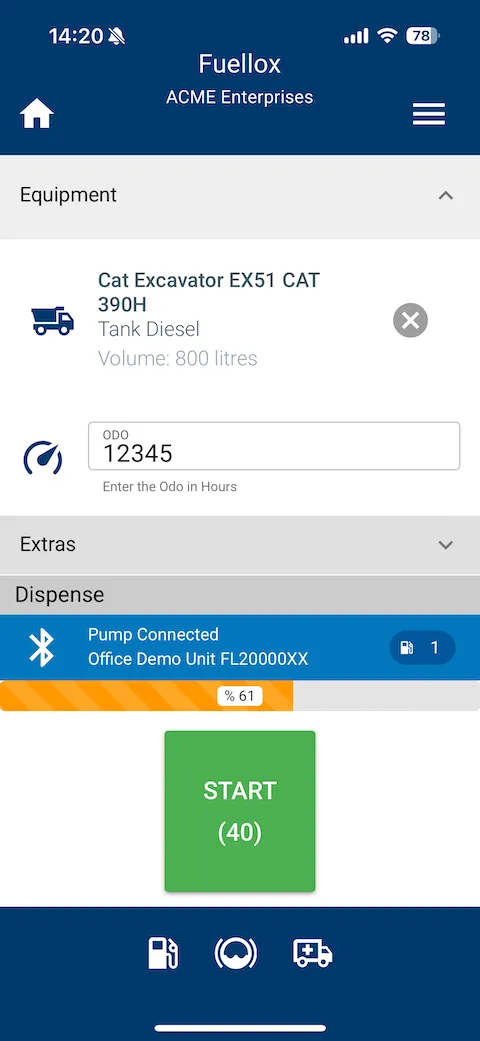
Press the Start Button
Press the green start button to begin dispensing.
Return to Getting Started