
Login Using Email
You can log in to the Fuellox app using your registered email address and password. This method provides a secure and familiar authentication experience for users who prefer traditional credentials.
Follow the steps below to complete the login process:
-
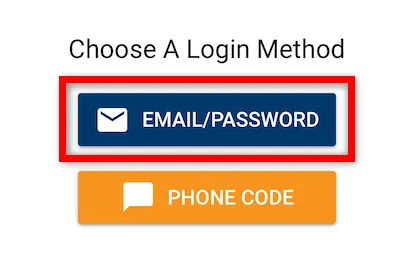
On the Choose A Login Method screen, tap the Email/Password button to begin the login process using your registered email credentials.
-
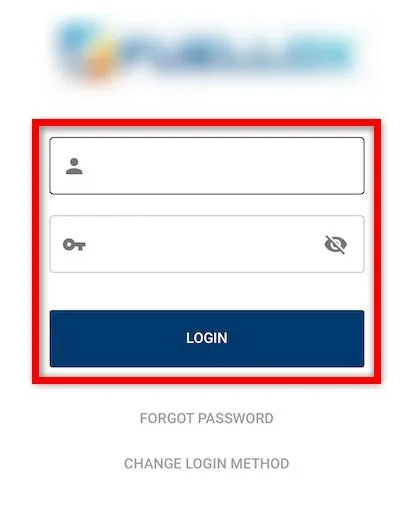
Enter your email address and password in the respective fields, then tap Login to access your Fuellox account.
Forgot Password
If you’ve forgotten your Fuellox account password, you can easily reset it using the Forgot Password option within the app. Follow the steps below to regain access to your account securely.
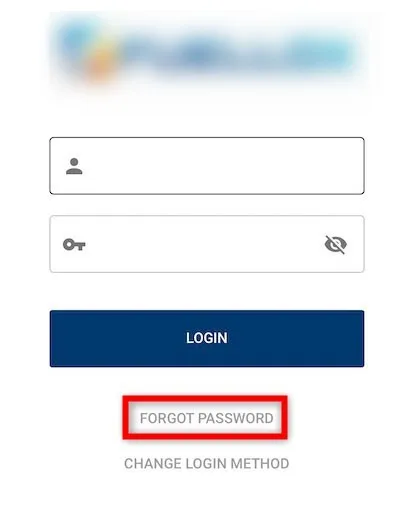
If you’ve forgotten your password, tap Forgot Password at the bottom of the login screen to start the reset process. You can also reset your password using the Fuellox web platform from a computer.
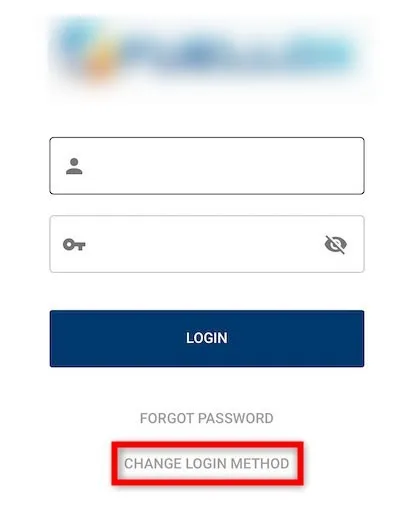
You’ve now successfully logged into the Fuellox Mobile App and are ready to begin using its features.
Return to Getting Started